Are you as fed up with slow, clunky design software as I am?
If you have read other articles on my site you will know Desirable Apps sometimes makes hardware.
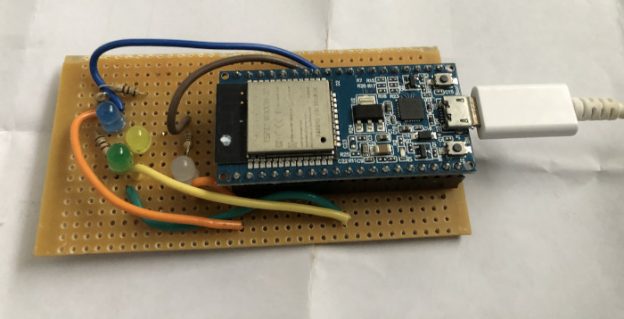
With hardware you have to decide how to attach components to each other. You can rats nest the components, just run wires between them, but that gets messy – you end up with a rats nest of wires, wires everywhere, even for simple circuits.
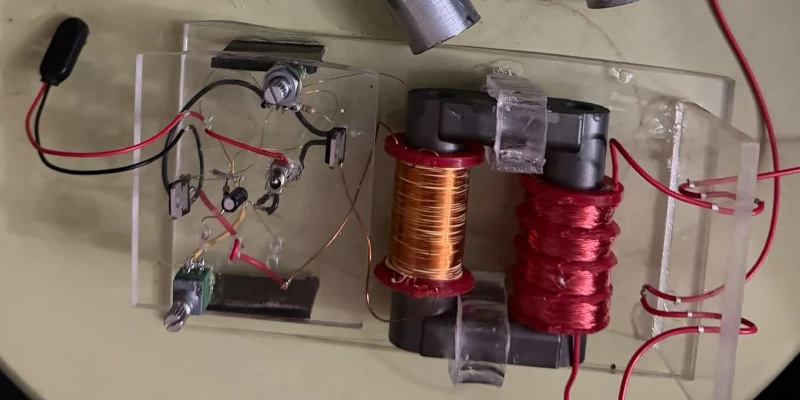
You can use prototyping board. This is a circuit board specifically designed for putting components where you want to put them, with lots of extra holes just in case you might want to put a component in that position. But while a lot neater than just using wires, prototype boards are still a bit messy, especially if you want to make more than one device. And because you have lots of places you can put a component, if you are building multiple boards, you have to keep referring back to the original board to make sure you put everything in the right place.

The solution we would all like is to be able to design and build custom printed circuit boards as easily as building a prototype.
But designing a custom printed circuit board is a pain – hours of careful layout, dragging parts and circuit tracks around the board, making sure you’ve got the circuit right and nothing is connected to anything it shouldn’t be. Most of the time if it is just a few boards, its not worth the bother.
BUT WE LIVE IN THE AGE OF AI – why should drudge design work have to be manual?
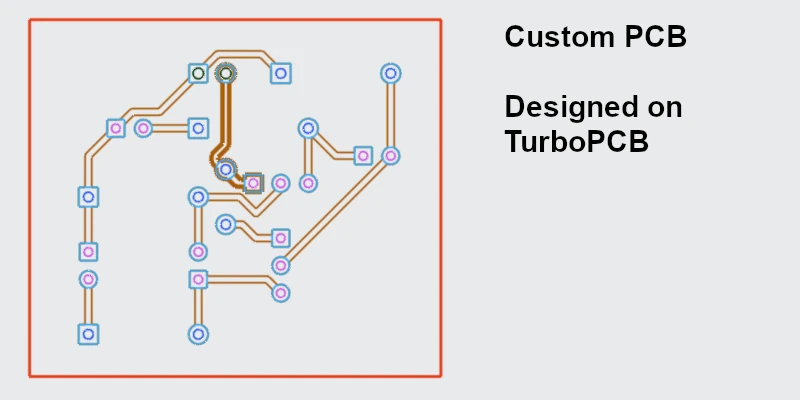
The answer is, PCB prototyping does not have to be a manual effort.
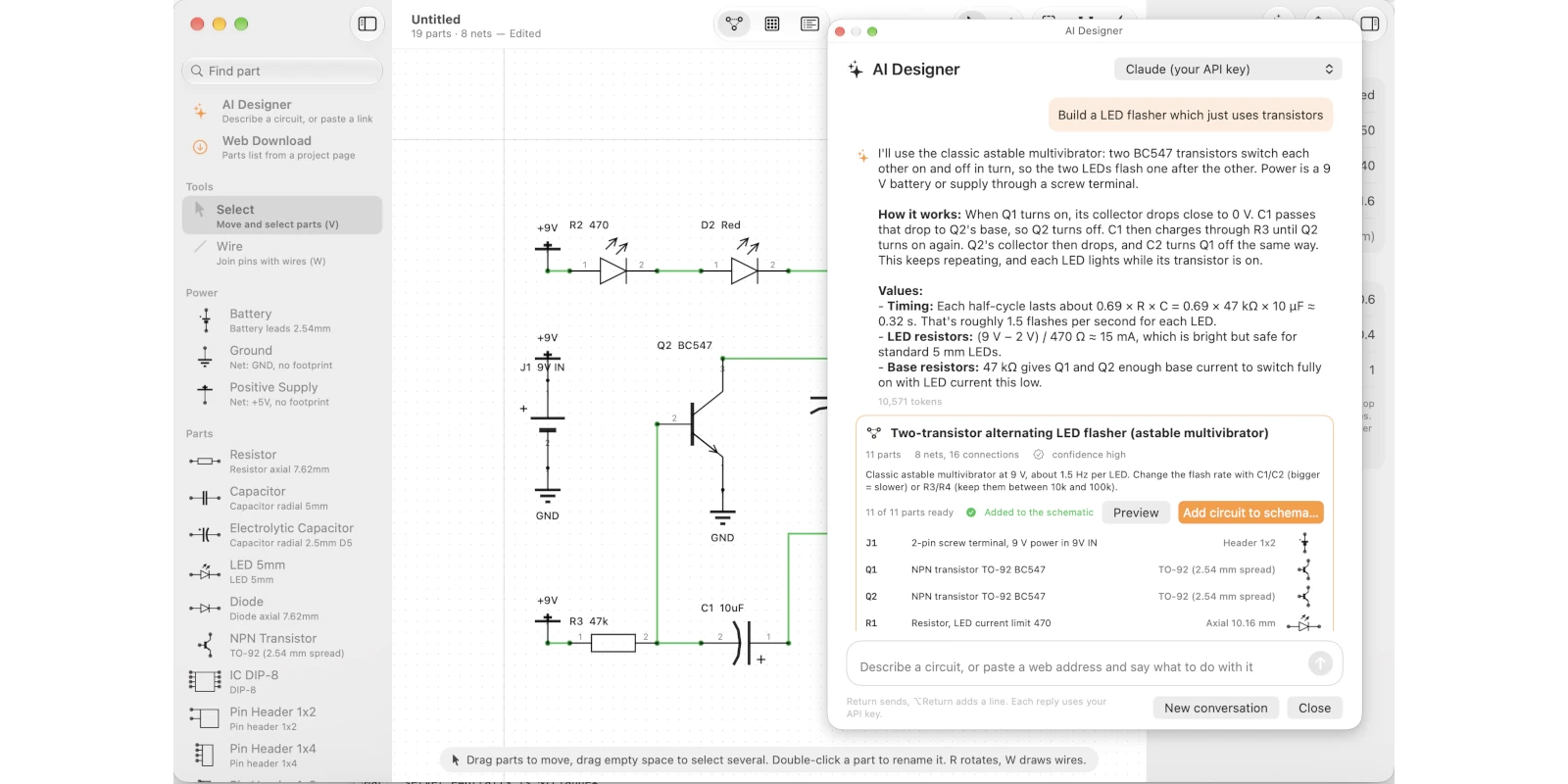
Make the AI do the heavy lifting. The AI can design a first cut of the circuit (which you can adjust). Then the AI works out how to place and join the components – while retaining your ability to manually tweak or update every step of the process.
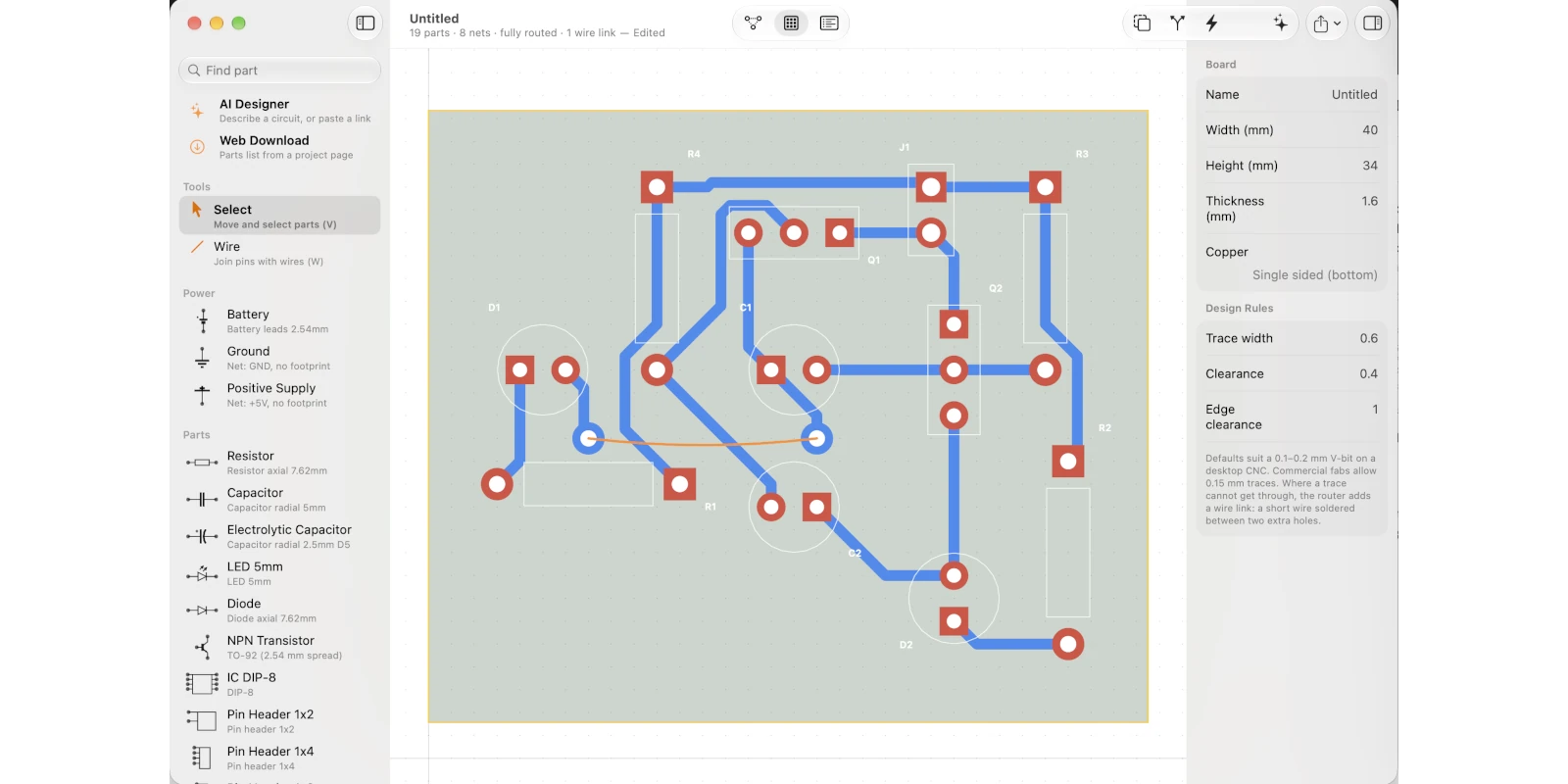
I hope you enjoy using Turbo PCB as much as I enjoyed writing it.
As an introductory offer Turbo PCB is free. Full download details are on the Turbo PCB product website. Available for Apple Mac and Windows PC .
While TurboPCB is free. unlocking the full set of features you need a Claude.ai account. My original plan was to use the AI capabilities of people’s own computers to do everything, but some AI operations require too much compute power to do everything on a desktop machine.
If you download Turbo PCB right now you will never have to pay for it. Eventually I might put a few dollars on the download to cover costs, but I find subscriptions incredibly annoying so I don’t have plans right now to introduce a subscription. Or if I do introduce a subscription, it won’t be mandatory, it would just be an option to make accessing the AI easier.
Let me know what you think, good or bad. Please reach out if something isn’t right, if you love it, or if you just have something to say about Turbo PCB.